Free Image to Prompt
No login required, unlimited usage
Upload Your Image
Drop your image here or click to upload
Supported formats: JPG, PNG, WEBP, BMP, HEIC, HEIF (GIF not supported)
Max file size: 10MB (guest), 20MB (logged in)
Image Preview
No image uploaded yet
Select AI Model
General Image Prompt
Natural language description of the image
Flux
Optimized for state-of-the-art Flux AI models, concise natural language
Midjourney
Tailored for Midjourney generation with Midjourney parameters
Stable Diffusion
Formatted for Stable Diffusion models
Structured Prompt
Splits into Subject, Environment & Visual Style for remixing
Graphic Design
Replicates professional design aesthetics, including typography, layout, and subject details
Custom
Customize your prompt structure
Explore More AI Tools
We provide a complete suite of AI image processing tools, including free image description generation, professional photo analysis, efficient batch processing, and intelligent image chat features. All tools support multiple AI models, 100% free to use, no registration required.
Showcase of AI Image to Prompt
Discover how our AI transforms images into professional prompts that generate stunning results across different AI art platforms
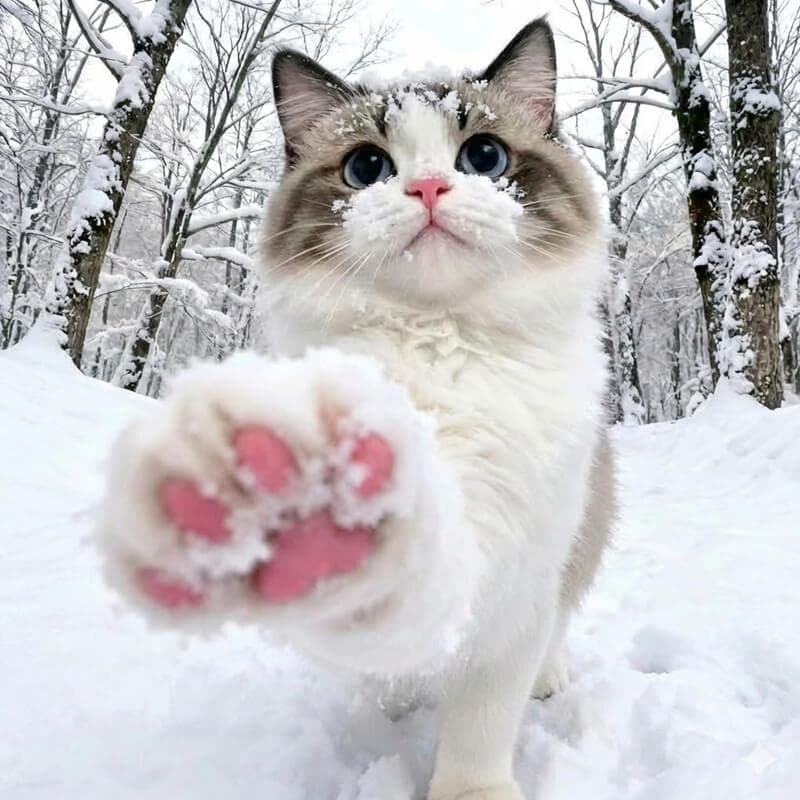
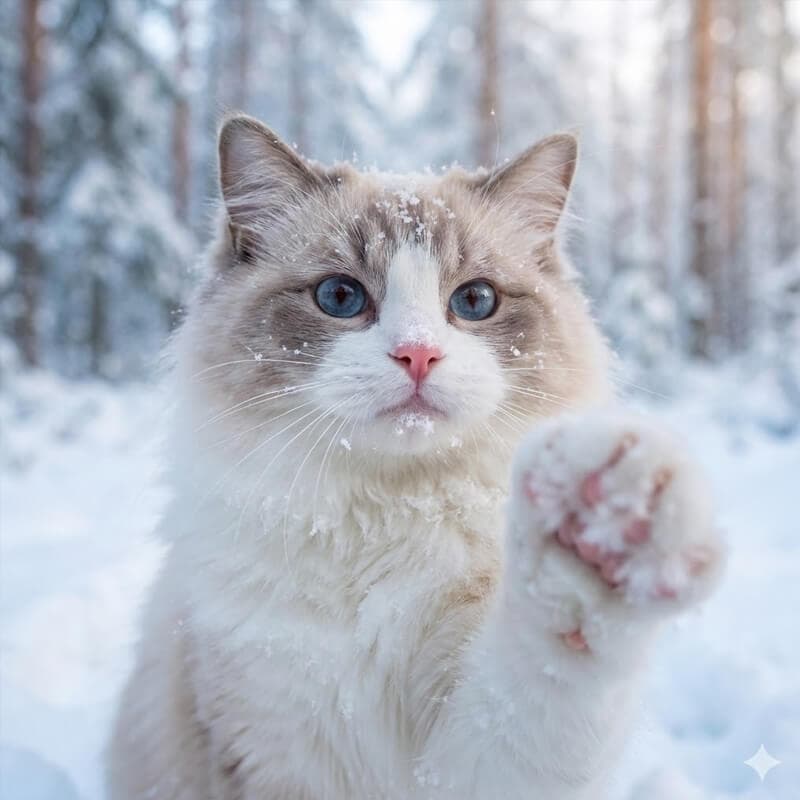
AI Generated Prompt
A close-up, perspective shot of a fluffy, Ragdoll cat extending a snow-covered paw towards the camera, snow clinging to its fur and pink nose, in a snow-covered forest, soft diffused light, winter wonderland atmosphere...
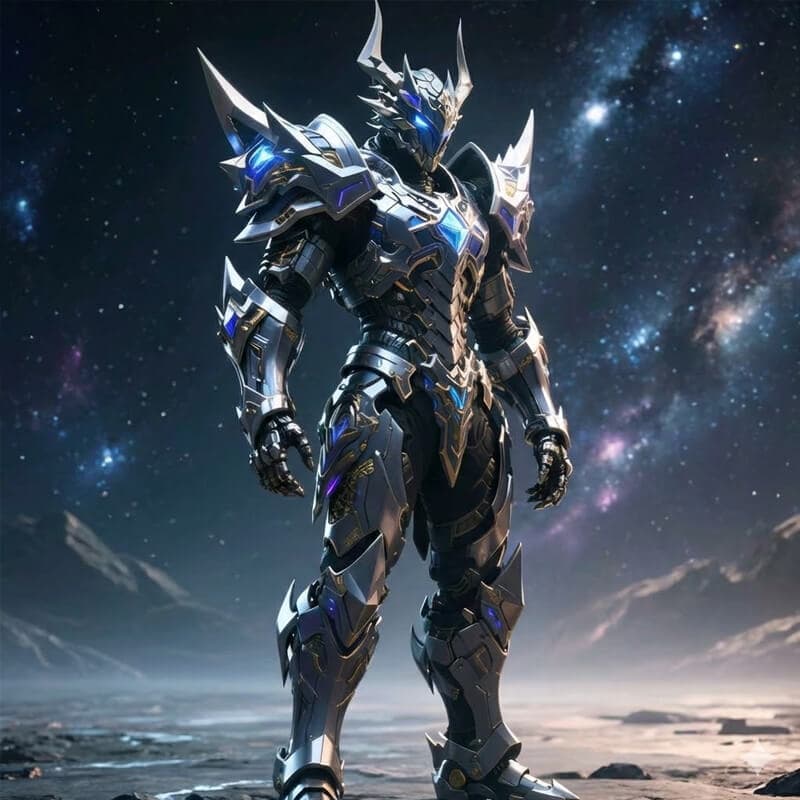
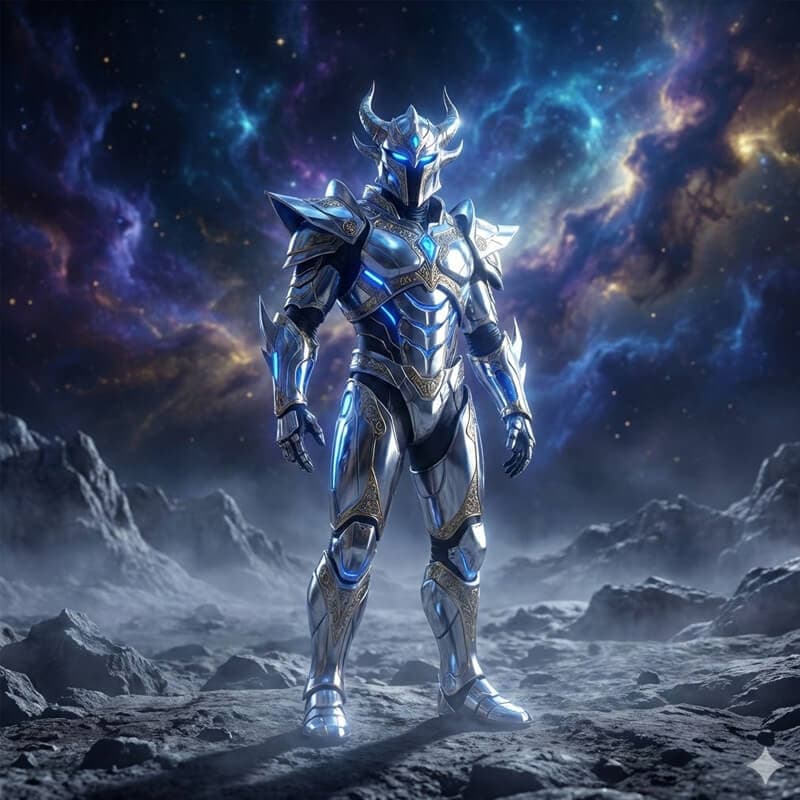
AI Generated Prompt
A majestic, fully rendered humanoid warrior clad in intricate, futuristic silver and chrome armor with glowing sapphire blue accents and golden filigree. The armor features sharp, angular pauldrons...
Ready to Create Your Own AI Prompts?
Upload your image now and let our AI generate professional prompts optimized for Midjourney, Stable Diffusion, Flux, and more. 100% free, no login required.
How to Use AI Image to Prompt
Transform any image into professional AI prompts instantly. Our image to prompt tool works with all major AI art platforms including Midjourney, Stable Diffusion, Flux, and DALL-E
Step 1: Upload Your Image to the Image to Prompt Tool
Upload your image file or enter image URL. Supports JPG, PNG, WebP and other common formats, up to 10MB. Our AI image analysis engine will automatically recognize image content.
Drop your image here or click to upload
Step 2: Select Your AI Model for Image to Prompt Conversion
Choose which AI platform you'll use with your image to prompt output. Our image to prompt tool offers specialized formats for Midjourney (with artistic parameters), Stable Diffusion (technical details), Flux (natural language), DALL-E, and general-purpose prompts. Each image to prompt style is optimized for its respective AI art generator, ensuring maximum compatibility and quality results.
Step 3: Generate and Copy Your AI Image to Prompt
Click the generate button and watch our AI image to prompt technology analyze your image in real-time. The image to prompt generator identifies visual elements, artistic styles, colors, lighting, composition, and mood to create detailed, professional prompts. Once your image to prompt conversion is complete, simply copy the generated prompt and paste it into your favorite AI art platform like Midjourney, Stable Diffusion, or Flux to recreate similar images or styles.
A beautiful landscape photograph featuring rolling green hills under a dramatic cloudy sky, golden hour lighting, professional photography, high resolution...
Frequently Asked Questions
Everything you need to know about using our free AI image to prompt generator tool