How to describe image?
1.Select Your Image: You can upload by clicking, dragging and dropping a file, or entering an image link.
Once uploaded, view your image on the right.
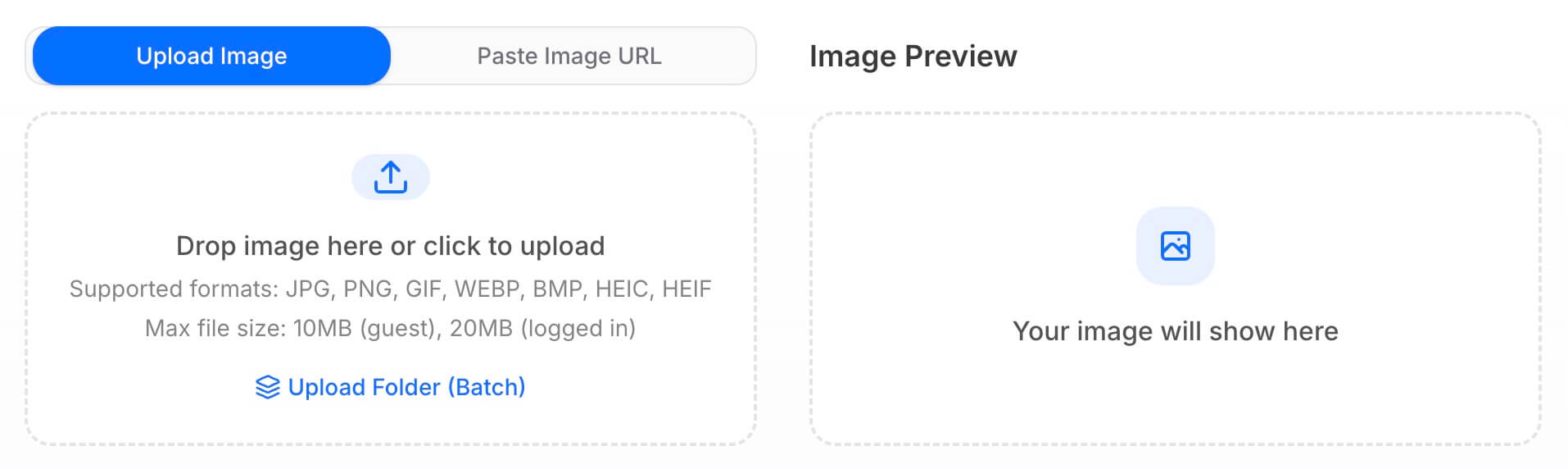
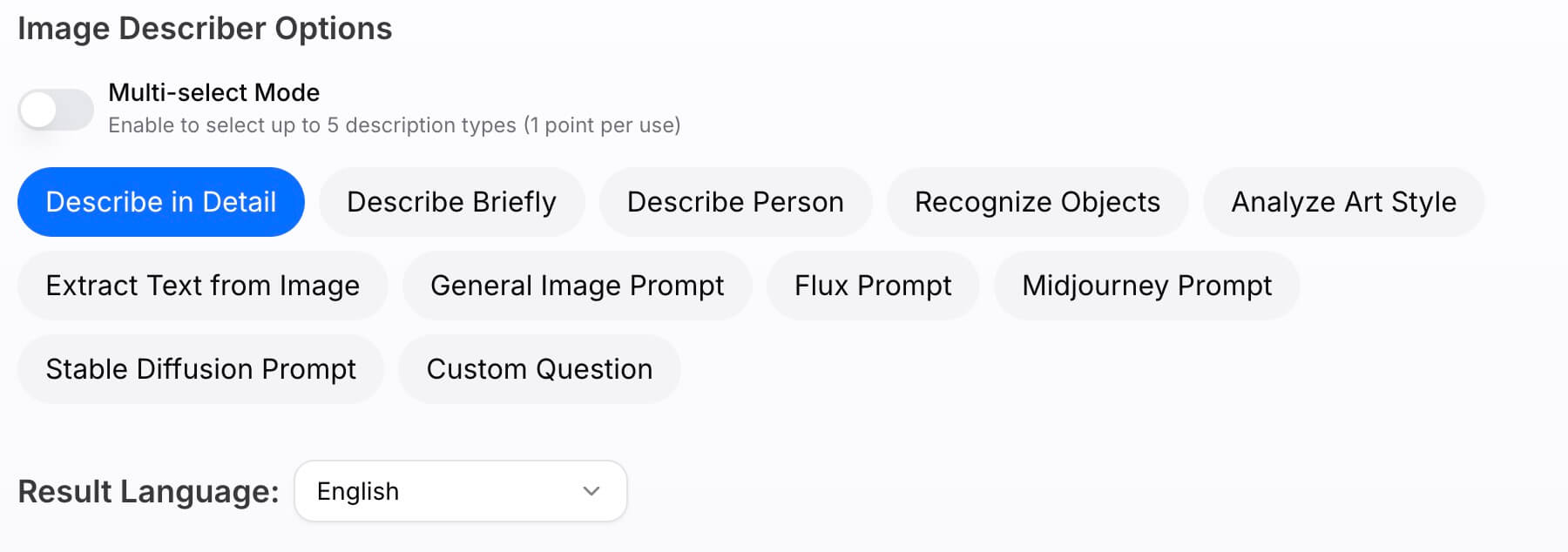
2.Choose Your Description Style Select one of our 10 default modes tailored for common needs. For more control, click Custom Question and enter exactly what you want the AI to analyze.
Switch Output Language DescribeImage.ai supports over 10 languages.
Simply click the language selector to choose the language for your results.
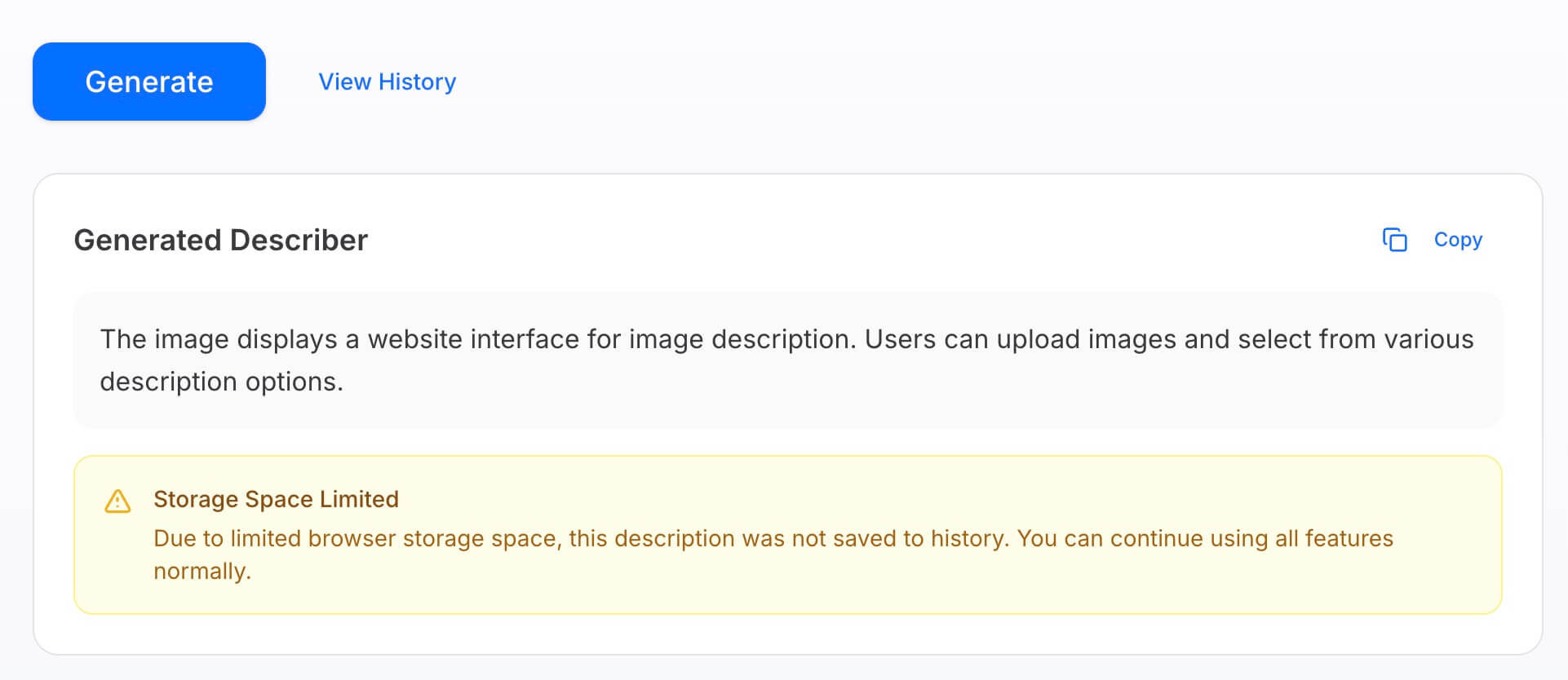
3.View Your Results Simply click the Generate button to start. In just a few seconds, DescribeImage.ai will complete the visual analysis and output your final description in the text box.
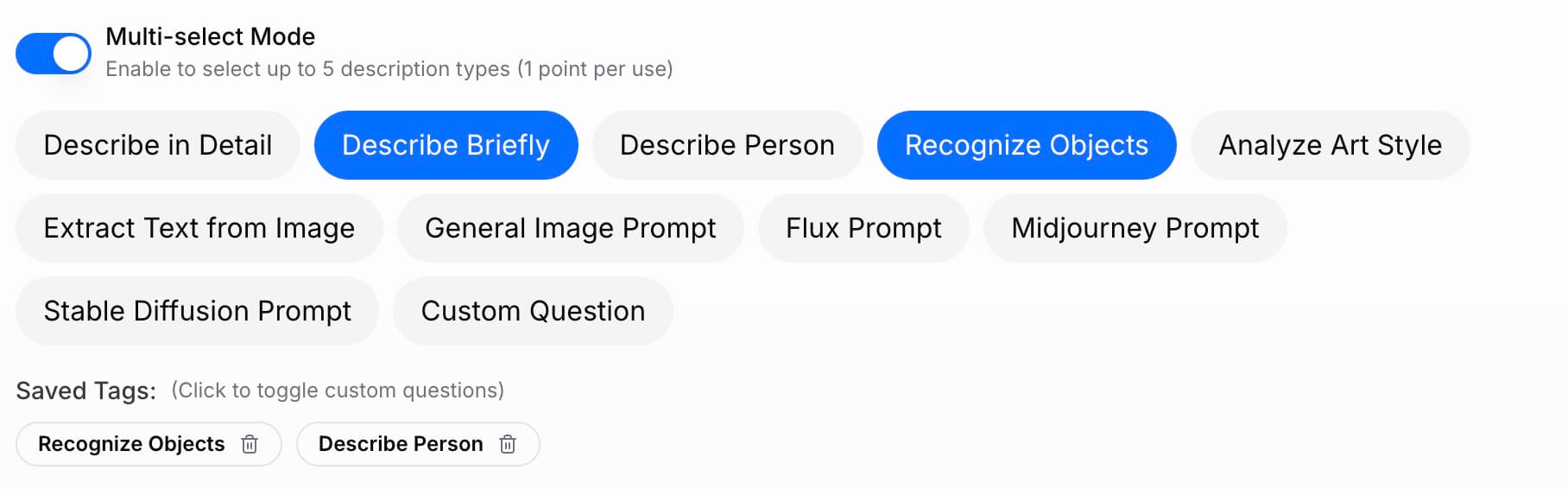
Multi-select Mode
Multi-select Mode Select multiple description patterns simultaneously to receive a diverse range of AI outputs in a single operation.
This powerful feature allows you to view your image from various angles at once without repetitive clicking.
Please note that each use of Multi-select Mode consumes 1 credit.
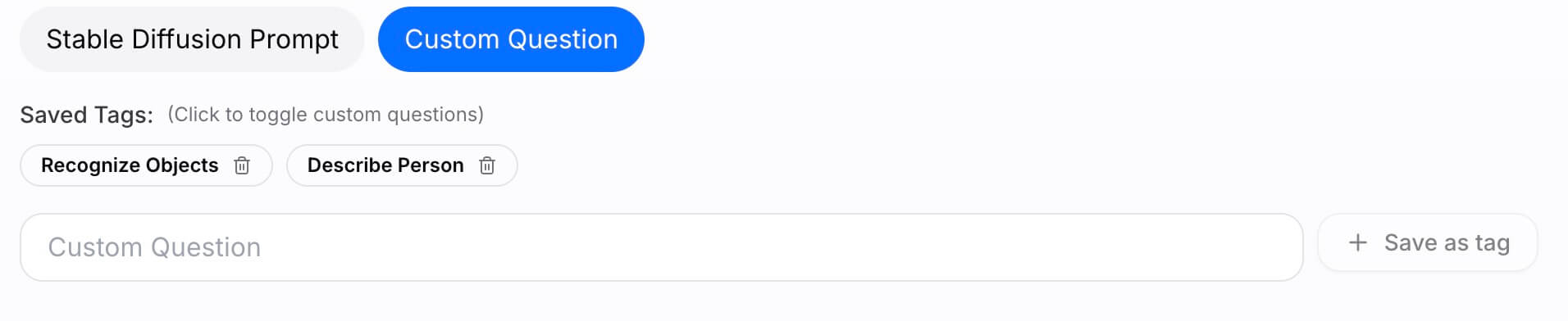
Custom Question
Advanced Customization If the standard presets do not fully meet your specific requirements, you have the freedom to tailor the output. Simply click Custom Question and input your unique prompt instructions.
As a logged-in user, you can also save these custom prompts as tags, allowing you to instantly apply your favorite settings in future sessions and streamline your workflow.
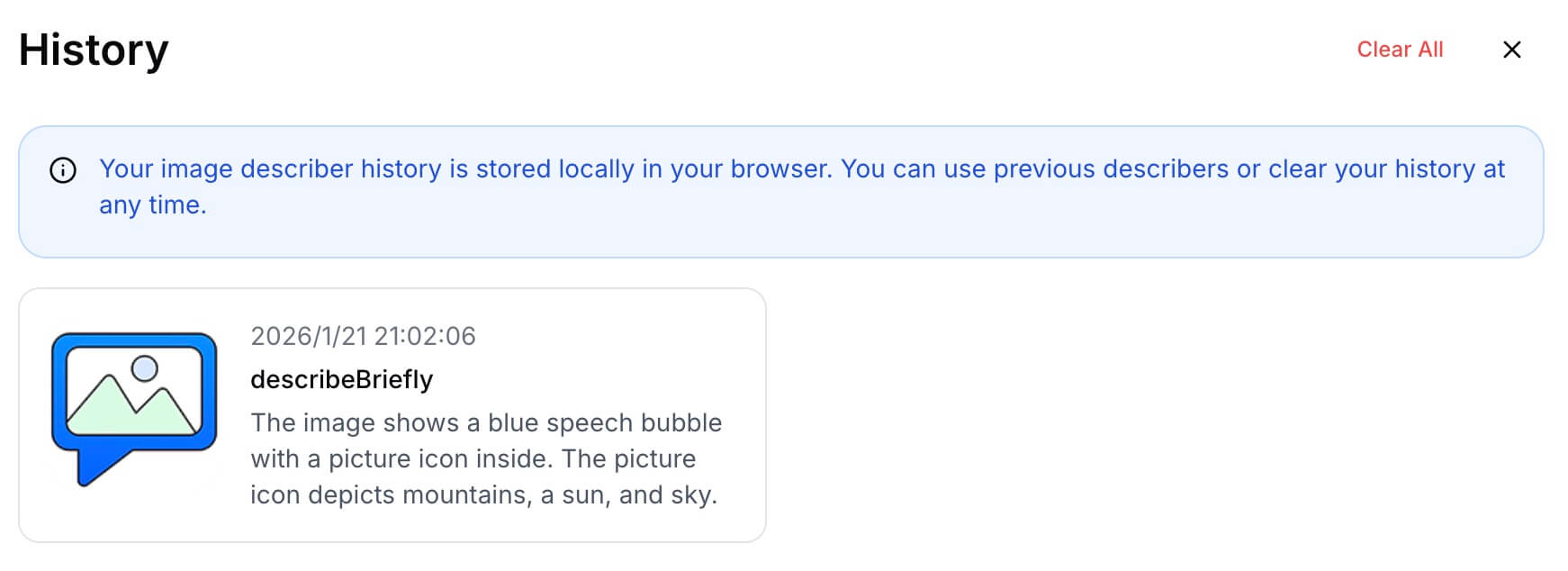
View Describer History
Local History & Privacy Your description history is saved directly to your browser's local storage to ensure your data remains private. We do not store or access this information on our servers.
If your local storage limit is reached, the system will simply stop recording new history items. Rest assured, this will not impact the generation process or any other features of DescribeImage.ai, which will continue to function normally.
Custom Question Techniques
Mastering Custom Prompts To get the most precise results, treat the Custom Question feature as a direct conversation with the AI.
Instead of generic requests, try asking specific questions to guide the analysis. For example, you can input directives like "Identify the brand logos in this image," "Describe the lighting and mood," or "List all the ingredients visible on the table."
Best Practices for Custom Questions
To get the most precise analysis from the AI, we recommend following these four core principles when crafting your custom prompts.
Be Specific and Clear The AI performs best with concrete details rather than vague requests. Ineffective "How is this image?" Recommended "What are the dominant colors and textures in this image?"
Focus on Single Topics Complex questions can dilute the quality of the answer. Keep each prompt focused on one aspect. Ineffective "Who is in the picture, where is it, and what time is it?" Recommended Break this into three separate questions to ensure detailed answers for each element.
Seek Objective Analysis Avoid asking for subjective opinions. Instead, ask about technical or observable characteristics. Ineffective "Is this a nice photo?" Recommended "What are the unique features of the composition in this photo?"
Use Open-Ended Questions Yes/No questions often result in limited information. Use descriptive questions to get richer insights. Ineffective "Is there a car in the image?" Recommended "Describe the types and appearance of the vehicles visible in the scene."
Recommended Question Templates
Here are some high-quality examples you can use as inspiration for different scenarios.
Product Analysis What are the key distinctive features of this product? Does the material texture appear to be matte, glossy, or metallic? In what potential scenarios would this product be best used? Can you estimate the approximate dimensions or scale of the item?
Photography Insights What specific composition techniques are utilized in this shot? Describe the direction, quality, and source of the lighting. How is the depth of field managed in this image? What emotional mood or atmosphere does the photograph convey?
Scene Understanding Based on the lighting and shadows, what time of day does this scene take place? Describe the actions and interactions of the people in the scene. What geographical location or setting does the background suggest? How would you describe the overall ambiance of this environment?
Content Creation Ideas For what type of blog post or article would this image be most suitable? Generate a catchy and engaging headline based on this visual. What key message or underlying theme does this image communicate? Construct a short narrative story inspired by the elements in this picture.