Product images
Describe the visible product, color, and relevant details for your store.
Turn your images into clear, useful alt text. Add page context or relevant keywords, then review and copy your description.
Free to use · No login
JPG, PNG, WebP · Up to 10 MB
Paste image
Upload a JPG, PNG, or WebP image, paste an image, or enter a public image URL.
Choose a language and optionally add page context or relevant keywords.
Check the description against your image, edit as needed, then copy the text or HTML alt attribute.
Compare descriptions for a product photo, an article image, and a receipt to see how page context shapes useful alt text.

Car showcase page
alt="car.jpeg"alt="A silver-gray two-door sports car with black wheels driving on a racetrack."Describes the car’s visible appearance and setting without guessing its brand.

Winter pet-care article
alt="cat.jpeg"alt="A white calico cat with orange and black patches standing in snow."Identifies the animal and snowy setting relevant to an article about caring for pets in winter.
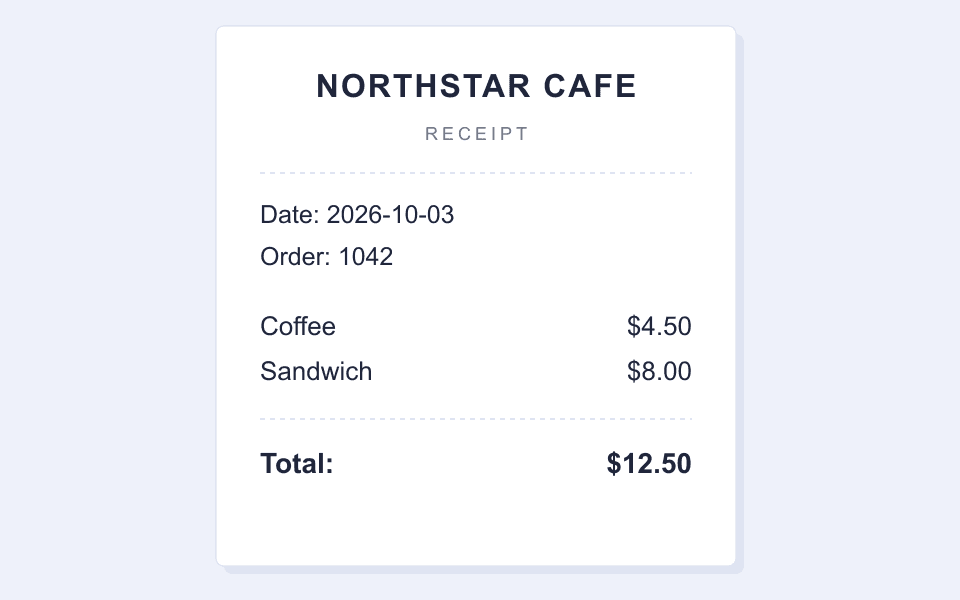
Illustration in an expense reimbursement guide
alt="receipt.png"alt="Café receipt for a coffee and a sandwich, totaling $12.50."Summarizes the purchase and total relevant to reimbursement. Alt text does not need to copy every printed line.
The best description depends on the purpose of the image on your page.
Describe the visible product, color, and relevant details for your store.
Give readers a concise description that fits the surrounding content.
Members can generate descriptions in batches and export a CSV for review.