Free Image to Prompt
No sign-in required. Unlimited free use; queues may apply during busy periods.
Explore More AI Tools
Explore free image description, Image to Prompt, and image chat tools. Requests may queue during busy periods; some advanced features require membership.
From Reference Photo to AI Artwork
Compare the original image, the generated prompt, and the artwork created from it.
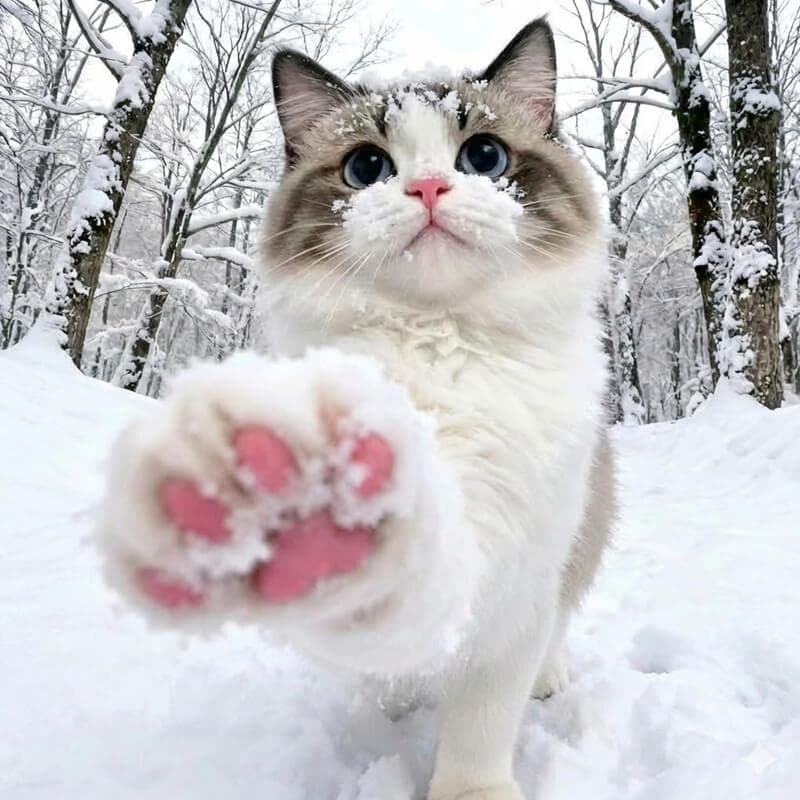
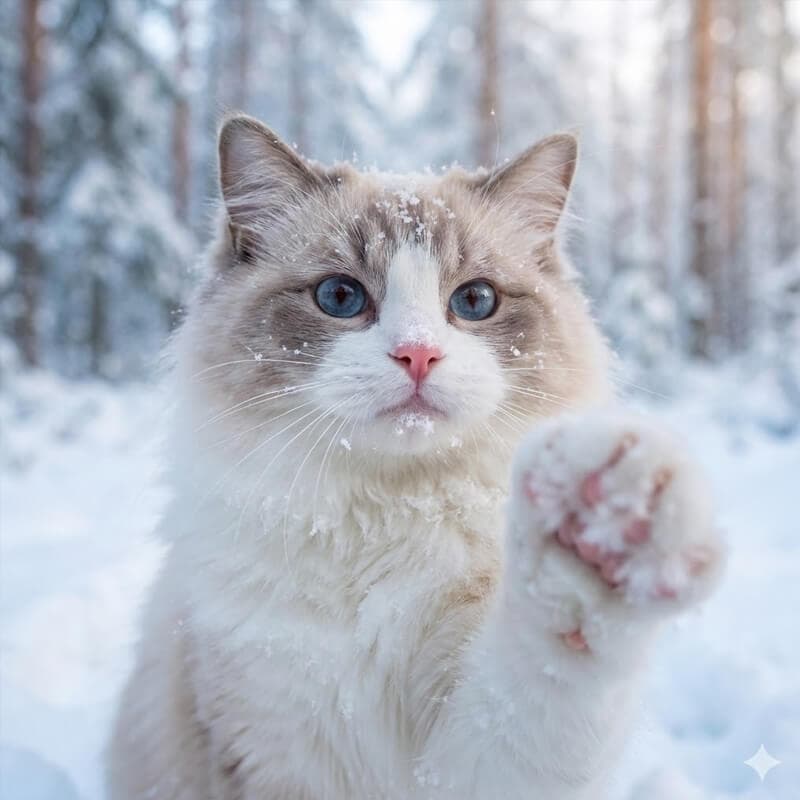
AI Generated Prompt
A close-up, perspective shot of a fluffy, Ragdoll cat extending a snow-covered paw towards the camera, snow clinging to its fur and pink nose, in a snow-covered forest, soft diffused light, winter wonderland atmosphere...
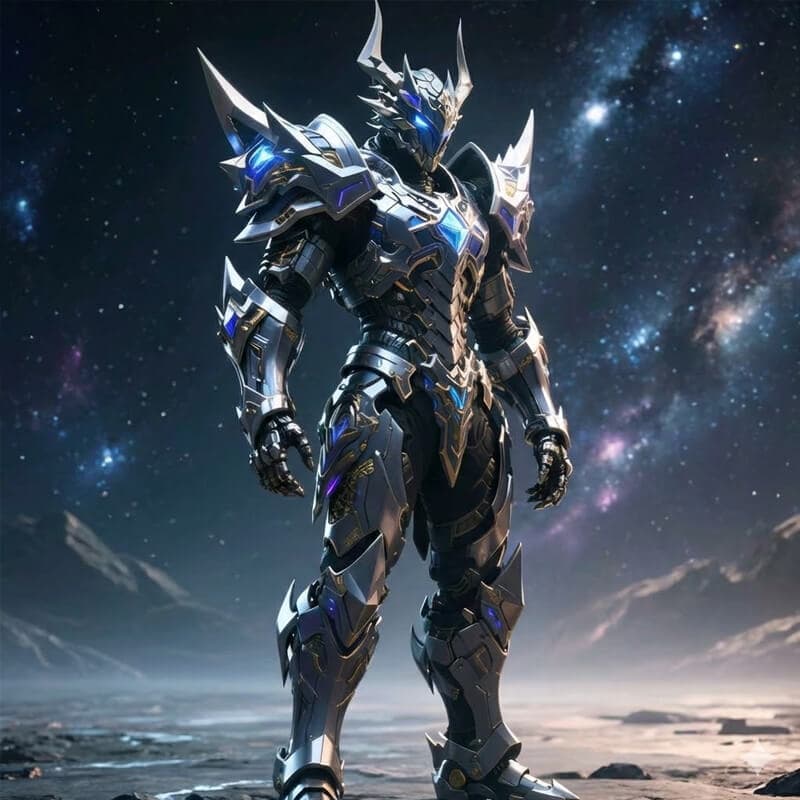
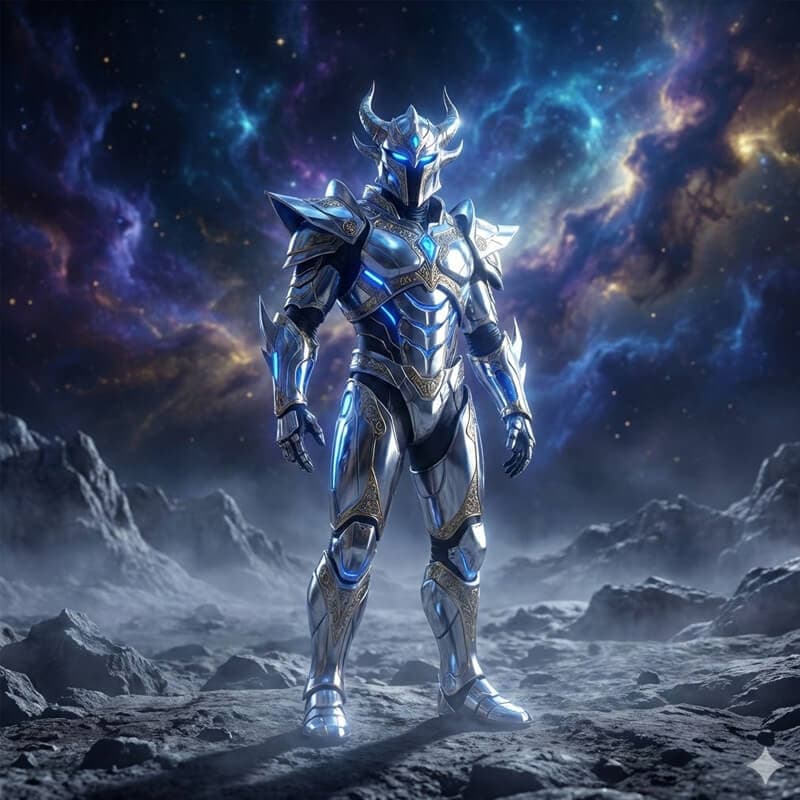
AI Generated Prompt
A majestic, fully rendered humanoid warrior clad in intricate, futuristic silver and chrome armor with glowing sapphire blue accents and golden filigree. The armor features sharp, angular pauldrons...
Ready to Create Your Own AI Prompts?
Upload an image to create prompts for Midjourney, Stable Diffusion, and Flux. No login or free usage limit; requests may queue during busy periods.
Turn Your Photo into a Prompt in 3 Steps
Start with a reference image, choose a format, and get a description you can edit and use in your preferred AI art tool.
Step 1: Upload a reference image
Drag and drop a photo or artwork, or paste an image URL. Supported formats include JPG, PNG, WEBP, BMP, HEIC, and HEIF. Choose a clear image so the subject, lighting, and style are easy to identify.
Drop your image here or click to upload
Step 2: Choose a prompt format
Select Midjourney, Stable Diffusion, or Flux to tailor the wording to your workflow. Choose General Image Prompt for a flexible description, or Custom to set your own structure. You can also choose the output language.
Step 3: Generate, refine, and copy
Click Generate Prompt to describe the subject, colors, lighting, and composition. Review the result and adjust any details you want to change, then copy it into your preferred image generator. Use it as a starting point and refine the wording as you go.
A beautiful landscape photograph featuring rolling green hills under a dramatic cloudy sky, golden hour lighting, professional photography, high resolution...
Frequently Asked Questions
Practical answers about uploads, prompt formats, and getting better results.