Image Describer AI Chrome Extension
When you find an image you want to understand, you do not need to copy the URL, switch tabs, and upload it again. Install the extension to describe images from the current page, launch analysis from the right-click menu, and keep the familiar DescribeImage.ai experience.

Image Describer AI Chrome Extension
Bring DescribeImage.ai into your browser so you can turn any image you see into a clear, natural AI description in seconds.
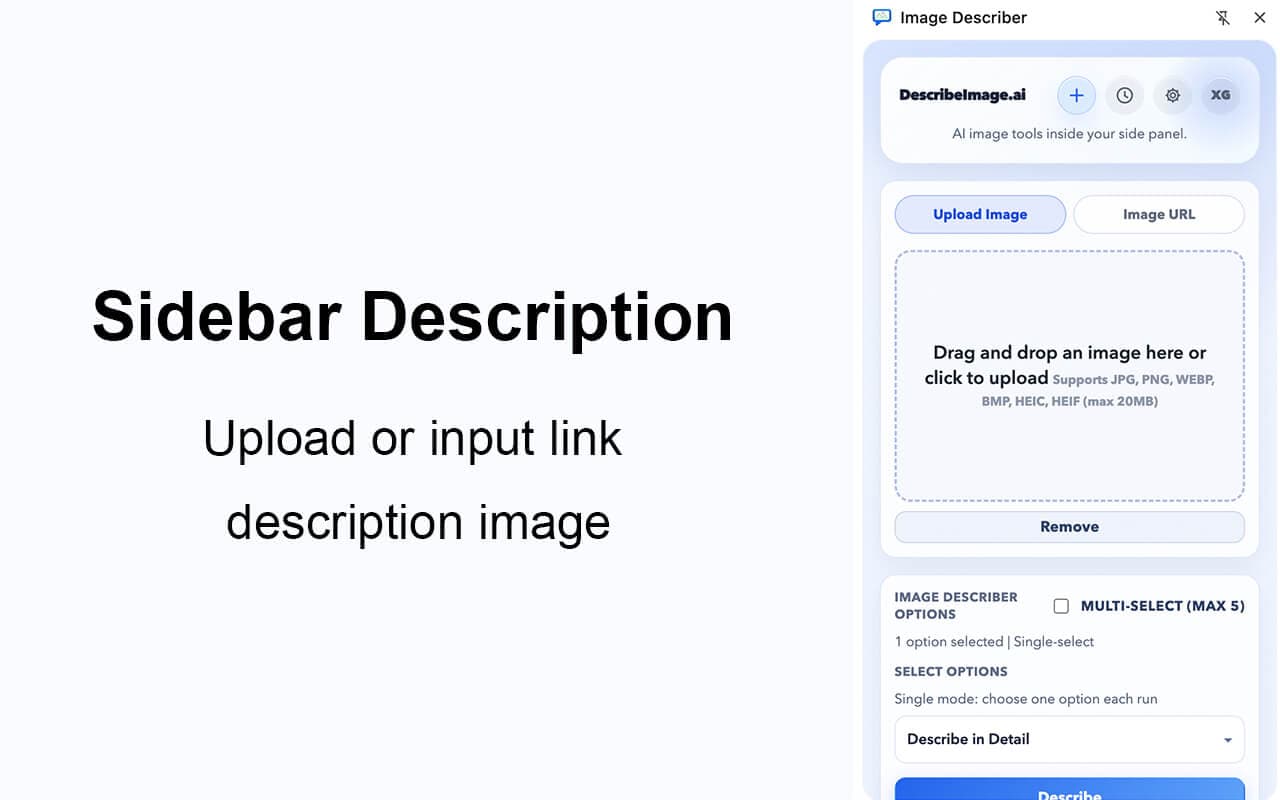
Use it directly in the side panel
Describe product images, social posts, blog visuals, and reference material without constantly switching back to the website.
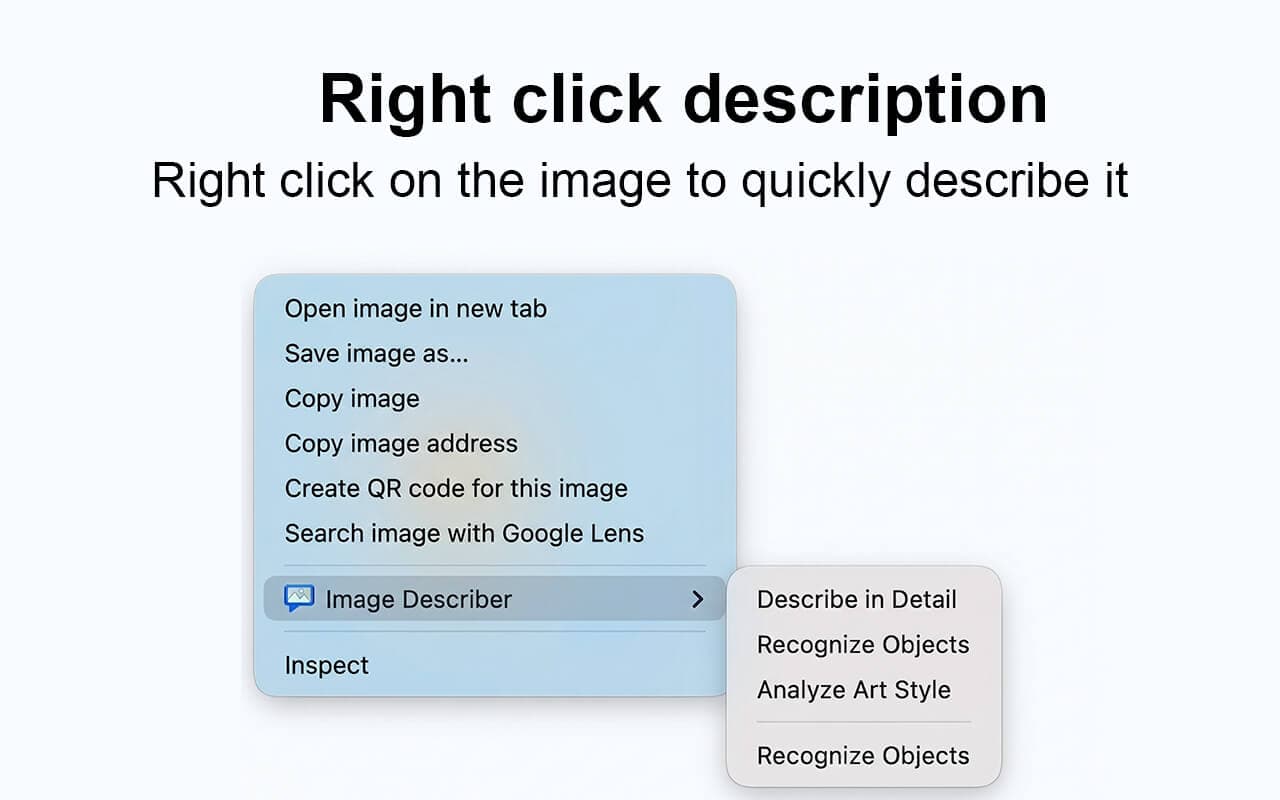
Right-click to describe
Right-click any image on the page and send it straight into the extension, skipping the usual copy-and-upload step.
Keep using your account benefits
If you already use DescribeImage.ai, the extension follows the same account flow so your membership-linked features can carry over naturally.
Almost no learning curve
The interaction stays close to the main site, so you can install it and start using it without learning a completely new workflow.
Why people use this extension
It extends the core website experience into the browser, making it easier to understand images while you browse. For most people, the benefit is simple: fewer steps and faster results.
Extension interface preview
The screenshots below show the real extension interface. They are displayed in full so you can see each screen clearly without cropping.