The Ultimate Guide to Image SEO: How to Double Your Website Traffic with AI Descriptions

Is Your Website "Invisible"?
Did you know that Google Images accounts for nearly 23% of all online searches? If your website's images aren't being "seen" correctly by Google, you're giving up a huge chunk of free traffic!
Many website owners carefully select beautiful images but overlook a crucial step: Image SEO optimization. Specifically, the image "Alt Text" acts like a pair of glasses for search engines (like Google and Bing), helping them understand what your images are about.
Manually writing descriptions for every image is a tedious and time-consuming job. But now, with DescribeImage.ai, you can complete this task in minutes and effectively boost your website traffic.
This guide will teach you how to become an image SEO expert using AI.
What is Image Alt Text, and Why is It So Important?
Alt Text (Alternative Text) is an attribute of the <img> tag in HTML code. Its purposes are:
- To tell search engines what an image is about: This is its most critical SEO function. Google uses Alt Text to determine an image's relevance to a search query.
- To improve web accessibility: When visually impaired users browse the web with a screen reader, the reader vocalizes the Alt Text, helping them understand the image.
- To display when images fail to load: If an image doesn't load due to a network issue, the browser will display the Alt Text instead.
A good Alt Text can get your images to the top of Google Image search results, bringing unexpected traffic to your site.
How to Quickly Generate Perfect Alt Text with DescribeImage.ai
Forget about manual writing! With AI, it only takes three steps:
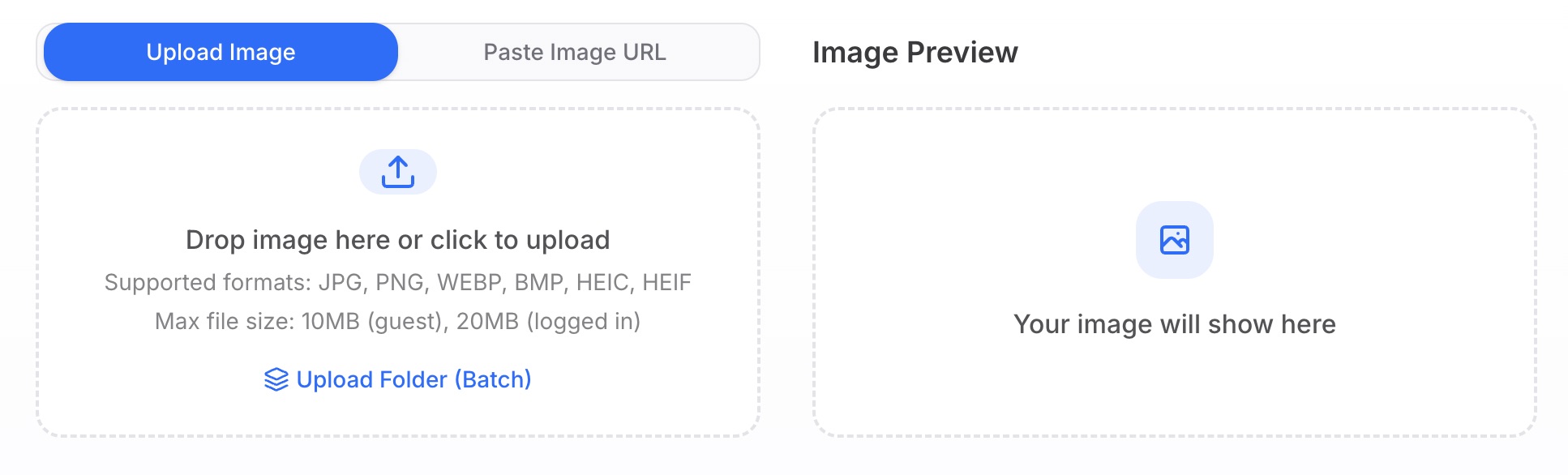
Step 1: Upload Your Product or Article Image
Open DescribeImage.ai and upload the image you want to optimize on your website.
Step 2: Choose "Describe Briefly" or "Recognize Objects"
For Alt Text, we recommend these two options:
- Describe Briefly: Generates a concise, complete sentence. This is the most commonly used option.
- Recognize Objects: Lists the core objects in the image. Good for supplementing keywords.
Key Tip: Think about the core keyword for your article or product page. For example, if your article is about a "Bali travel guide," then "Bali," "beach," and "sunset" are your core keywords.
Step 3: Generate, Optimize, and Use
Click the "Generate" button. The AI will instantly create a description. Now, you need to make a simple optimization: naturally weave your core keyword into the description.
For example:
- Your uploaded image: A photo of a beach sunset in Bali.
- Your core keyword: Bali travel
- AI-generated description: "A tranquil beach with the afterglow of the sunset reflecting on the water."
- Your optimized Alt Text: "A beautiful beach sunset view captured during a Bali travel adventure, with golden sunlight spread across the sea."
See the difference? The optimized version describes the image content and includes the core keyword, significantly boosting its SEO effectiveness!
Copy the optimized text and paste it into the "Alternative Text" or "Alt Text" field for the image in your website's backend. You're all set!
Image SEO Best Practices Checklist
In addition to Alt Text, follow these points to take your image SEO to the next level:
[ ] Use descriptive filenames:
- Don't use:
IMG_12345.jpg - Do use:
bali-beach-sunset-travel.jpg(use English and hyphens to separate words)
- Don't use:
[ ] Choose the right image format:
- JPG: Best for most photographs due to high compression.
- PNG: Best for logos or icons that require a transparent background.
- WEBP: The new format recommended by Google, offering smaller file sizes with higher quality.
[ ] Compress image size:
- Large images slow down your website, which is a major SEO sin.
- Use free tools like TinyPNG or Squoosh to compress images below 200KB without sacrificing too much quality.
[ ] Ensure images are relevant to the content:
- Don't stuff your pages with irrelevant images just for SEO. Google is smart and analyzes the text surrounding an image to judge its relevance.
[ ] Create an image sitemap:
- If your website has a large number of images (like a gallery or photography blog), creating a separate sitemap for your images and submitting it to Google Search Console can help Google discover and index them better.
Conclusion: Make Every Image Work for You
Image SEO isn't complicated, especially with the help of AI tools. It's a high-return optimization effort.
Remember this simple formula:
Excellent Image SEO = Descriptive Filename + Compressed High-Quality Image + AI-Generated and Optimized Alt Text
Start optimizing the first image on your website now! When Google Images starts sending a steady stream of new visitors to your site, you'll be glad you made the effort today.